SIM Owner Details in Pakistan 2026 – CNIC SIM Check Online
In Pakistan, doing a CNIC SIM check online and confirming your SIM owner details has become very important in 2026 because of rising legal issues and misuse of mobile numbers. Many people want to confirm their own SIM registration or find out who owns a SIM, and verify everything properly.
Complete personal information is not made public for security and privacy reasons, but there are legitimate, authorized ways to confirm SIM ownership.
Related: Check SIM Owner Details in Pakistan: 12 Official Methods & Codes
Network Helpline Numbers 2026
| Network | Helpline |
|---|---|
| Jazz | 111 |
| Zong 4G | 310 |
| Telenor | 345 |
| Ufone | 333 |
| Onic | 051-111-339-111 |
Short codes such as 111, 310, 345, and 333 work when dialled from a SIM of the same network.
What Are SIM Owner Details in Pakistan?
SIM owner details are the information linked to a mobile number in the official records, such as:
- The owner’s name
- The CNIC number the SIM is registered on
- The network (Jazz, Zong, Telenor, Ufone)
- The SIM registration status
Important: Because of privacy rules, you cannot access another person’s complete information without permission. You can check the SIMs registered on your own CNIC.
Who Controls SIM Owner Data in Pakistan?
SIM ownership records are controlled by:
- The Pakistan Telecommunication Authority (PTA)
- The telecom companies: Jazz, Zong, Telenor, Ufone, Onic, and Rox
They use biometric verification to make sure every SIM card is properly registered.
How to Do a CNIC SIM Check Online
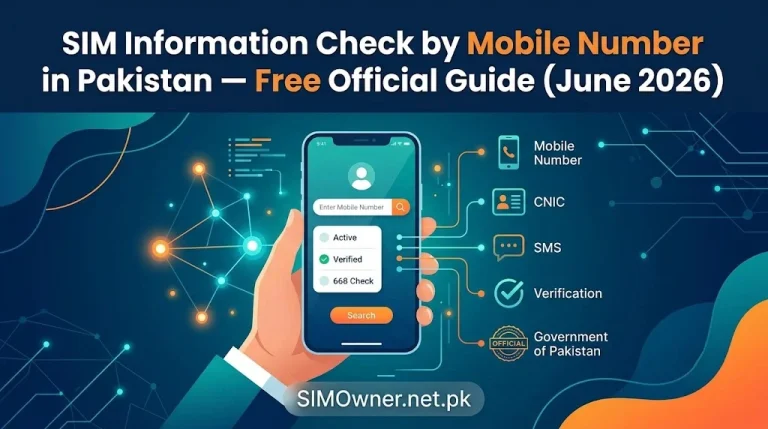
Method 1: SMS to 668
- Type your 13-digit CNIC number without dashes.
- Send it to 668.
You will receive the total number of SIMs registered on your CNIC, with network-wise details.
Method 2: PTA SIM Information System (Online)
- Open the PTA SIM Information System at cnic.sims.pk.
- Enter your CNIC number.
- Complete the online verification.
- View the SIMs registered on your CNIC.
You can also use our CNIC SIM Check page.
Method 3: Franchise or Service Center
For complete information, visit an authorized centre with your original CNIC and verify your fingerprint:
- Jazz franchise
- Zong service center
- Telenor office
- Ufone franchise
- Onic (franchise network coming in future)
What Should You Do If Your CNIC Has an Unknown SIM?
- Immediately visit the nearest franchise of that network.
- Request that the SIM be blocked.
- Re-verify your remaining SIMs.
- Keep a record of your active numbers.
More: Check SIM Owner Details by Number in Pakistan
Safety Advice 2026
- Don’t share copies of your CNIC online with anyone.
- Always buy SIMs from an official franchise.
- Confirm your biometric registration.
- Check your SIM record regularly.
Biometric Verification System 2026
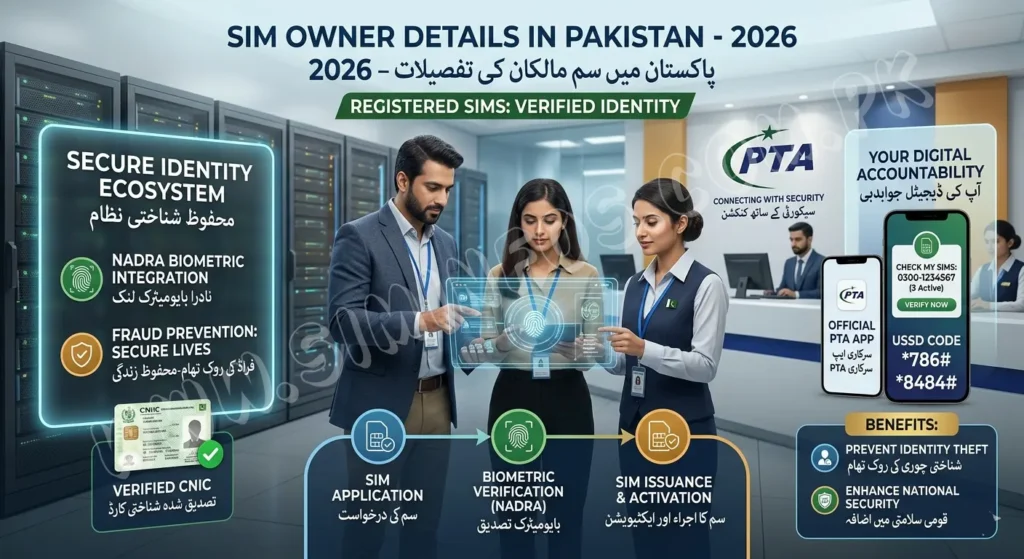
In Pakistan, every SIM card must go through biometric verification before activation. The process is:
- Present your CNIC.
- Scan and verify your fingerprint.
- Your data is verified with NADRA.
This system helps prevent wrong SIM registrations and improves security.
SIM Ownership Transfer 2026
If you want to transfer a SIM to another person:
- Both people must visit a franchise or service center.
- Both must bring their original CNICs.
- Both must complete biometric verification.
Note: A SIM cannot be transferred without biometric verification.
Pakistan Telecom Networks 2026
- Jazz
- Zong
- Telenor
- Ufone
- Onic
- Rox
All networks must follow PTA rules and store SIM data securely.
SIM Blocking and Deactivation 2026
If your SIM is lost or you suspect misuse, act as soon as possible:
- Call your network’s helpline, or
- Visit the nearest franchise, and
- Request that the SIM be blocked.
This protects you from legal issues and misuse of your number.
Why Do SIMs Usually Get Blocked?
Common reasons for SIM blocking in Pakistan:
- Biometric verification was not completed
- A false or incorrect CNIC was used
- The SIM was inactive for a long time
- Problems with PTA verification
Advice for Users
- Check your SIM records every 2–3 months.
- Deactivate SIM cards you no longer use.
- Only use SIMs registered in your own name.
- Avoid sharing your CNIC unnecessarily.
Stay safe: How to Trace Unknown Phone Numbers in Pakistan Safely
Frequently Asked Questions
How can I check the SIMs on my CNIC online?
Use the PTA SIM Information System at cnic.sims.pk, or send your CNIC number to 668.
Can I check SIM owner details by number?
No. Because of privacy laws, a stranger’s SIM owner details cannot be checked instantly from a phone number.
Is SIM verification free?
Checking online is free. Checking by SMS may have a small charge.
What should I do if I find an unknown SIM?
Visit a franchise of that network immediately and have the SIM blocked as soon as possible.